

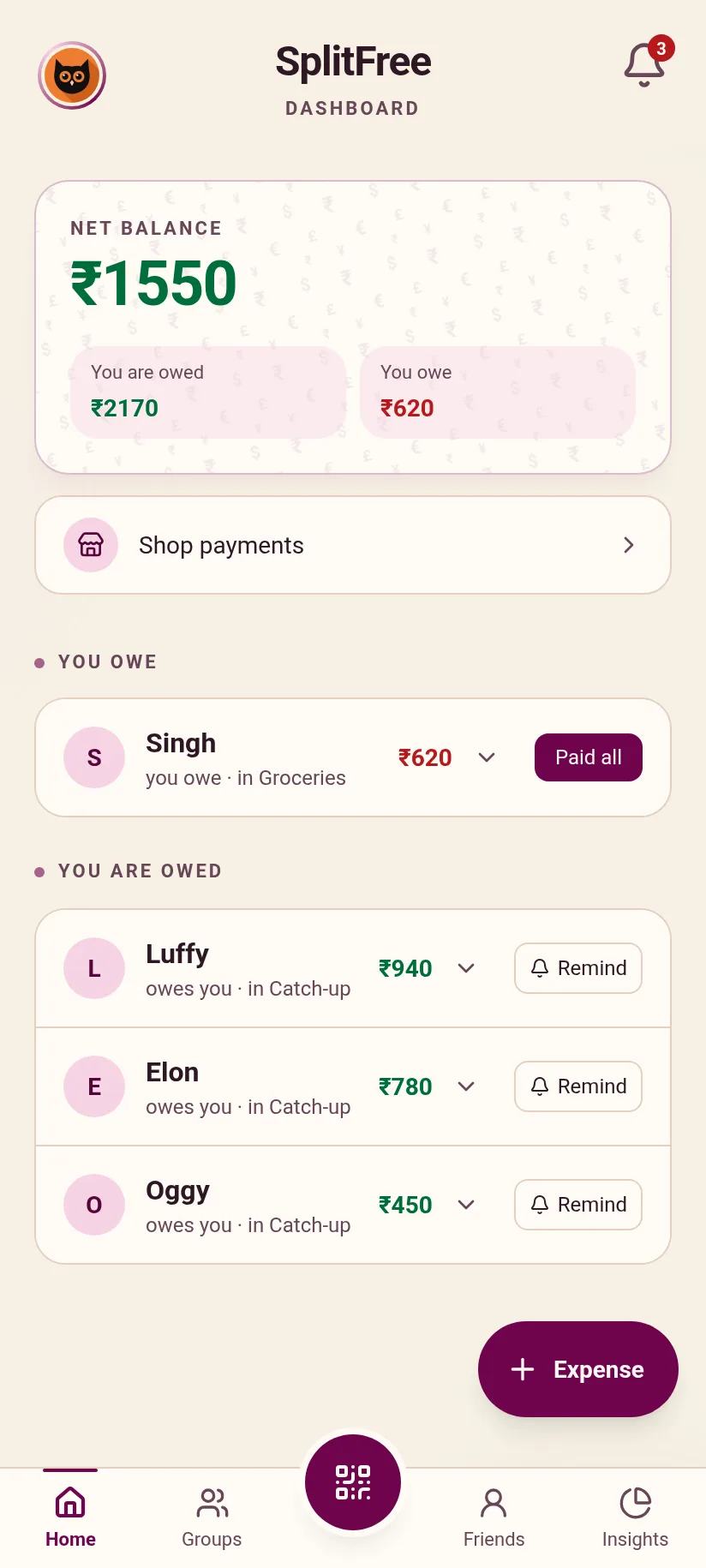
Pay any shop with a scan
Scan the shop's UPI QR and pay in your own UPI app. SplitFree keeps the payment so you can split it later.
Split bills with friends to the paisa, then settle up on UPI. Free forever, with no ads.
Get it on Google PlayScan the shop's UPI QR and pay in your own UPI app. SplitFree keeps the payment so you can split it later.
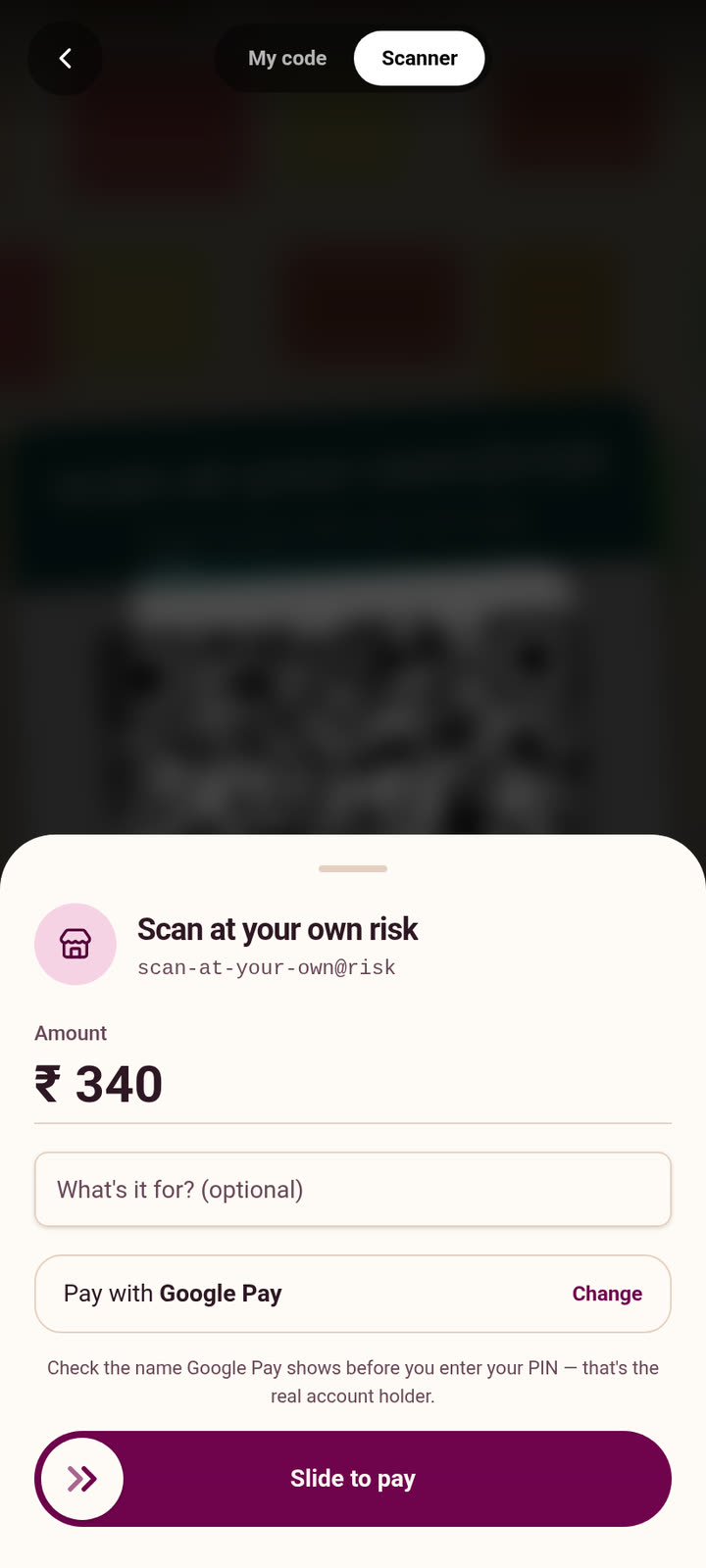
Pick a group or a few friends, untick whoever wasn't there, slide. Everyone's share comes out to the paisa.
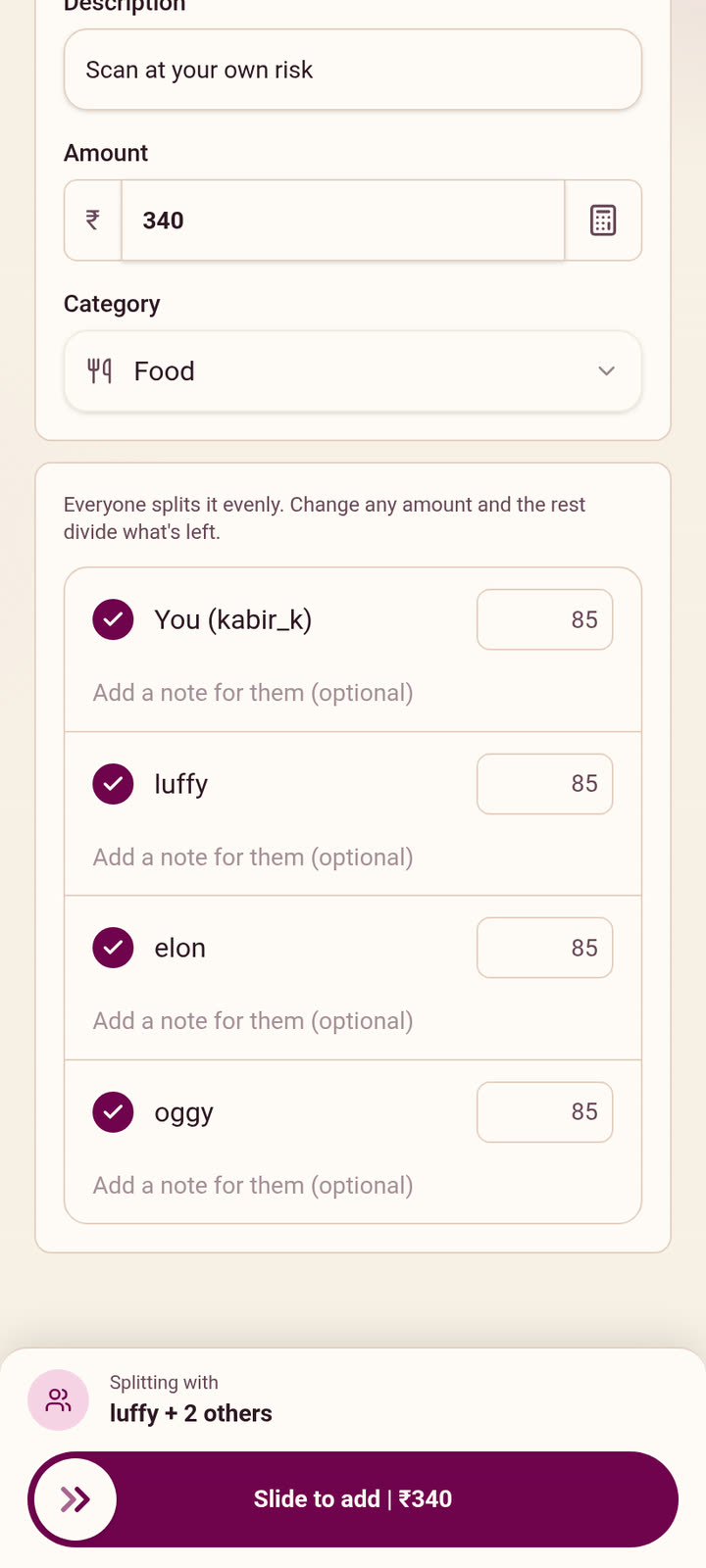
Tap Remind and their phone buzzes with exactly what they owe you. No chasing, no screenshots.
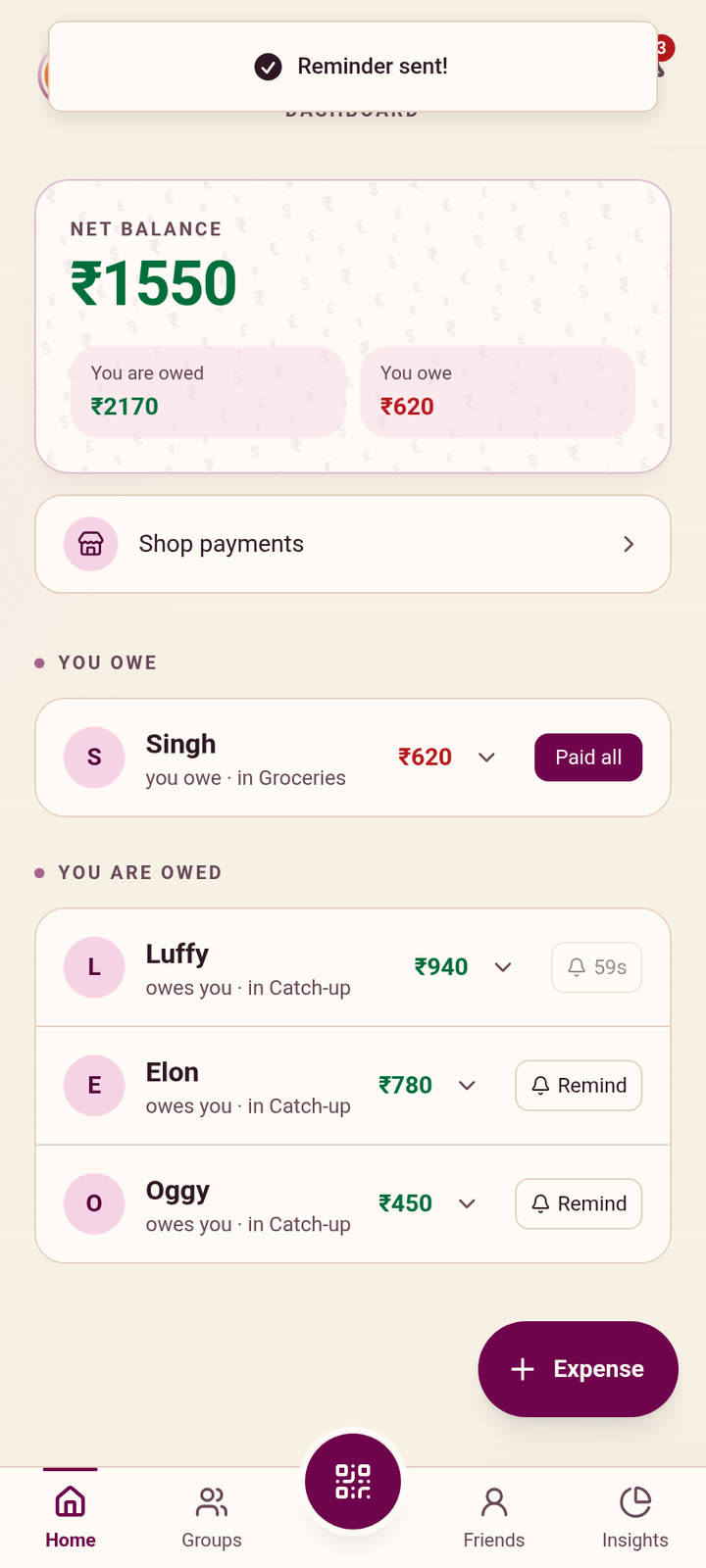
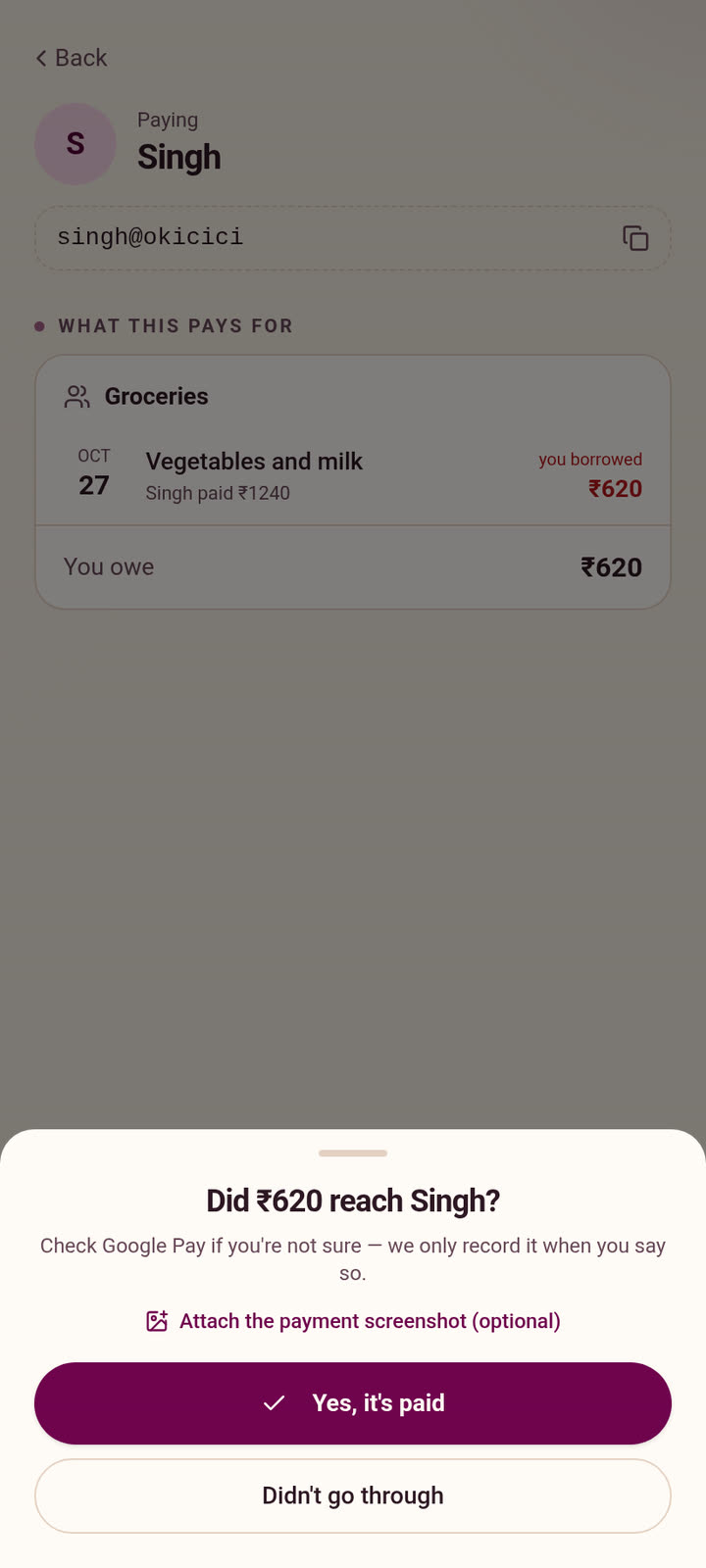
Slide to pay on UPI, say it went through, and the balance clears for both of you.
SplitFree does one job: it keeps track of who owes whom, exactly, and makes paying back one slide. It does not need to know anything else about you, so it does not ask.
| Ads | None |
|---|---|
| Analytics or ad SDKs | None |
| Your data sold | Never |
| Passwords stored | None, sign-in is a code |
| Location, contacts, mic | Never asked for |
| Camera | Only to scan a QR |
| Delete your account | Anytime, in the app |
| Price | ₹0, forever |
Every detail, in plain words, is in the policy.
Read the privacy policyYes. No subscription, no premium tier, no ads, and no limit on expenses, groups or friends.
No. It keeps track of who owes whom. Paying happens in your own UPI app, from your bank to theirs. SplitFree never sees your bank account, balance or PIN.
To see what they owe and pay you back in a tap, yes. You can add them by name first and invite them later with a link or a QR code.
Shares are worked out in paise, so they always add up to the bill. ₹100 split three ways is ₹33.34, ₹33.33 and ₹33.33.
Yes. Set rent or an EMI once and it is added every month. Pay a shop by scanning its UPI QR, then split it or keep it as yours.
Only the people in them. In a group you see the expenses you are part of, and the balances still count everything.
Not yet. SplitFree is on Android, through Google Play.
Account, then Settings, then Delete account, once your balances are settled. The privacy policy lists exactly what is removed.
Got a bill on the table? Add it before anyone forgets.
Get it on Google Play